- CALL : (+1) 888-5050-984
- Support : support@aritic.com
- Sales : sales@aritic.com
- Partner : partner@aritic.com
- Marketing : marketing@aritic.com
Lead Scoring
Identify your hot leads and accelerate customer activation rate with lead scoring and tracking

Design a lead scoring model that helps you to engage with your potential buyers and trigger activities that will push your leads towards conversion. Assign scores for each activity of your leads, add negative scores when leads are dormant or move backward in your marketing-sales funnel.


Build a lead scoring model to identify potential leads. Track your lead behavior, assign positive and negative scores, and pinpoint the right leads for your sales team to follow-up. Mark your leads as cold, warm, and hot based on their cumulative lead scores to identify sales-ready leads faster.
Capture lead information, and also track lead behavior on website and app
Decide a score card based on lead activity and lead details to calculate lead score
Assign positive and negative scores to predict accurately the next lead action
Assign scores based on implicit details like lead profile details, demographics, firmographic details, etc, as well as explicit details like lead behavior and engagements. Add positive and negative scores to accurately predict lead activity.


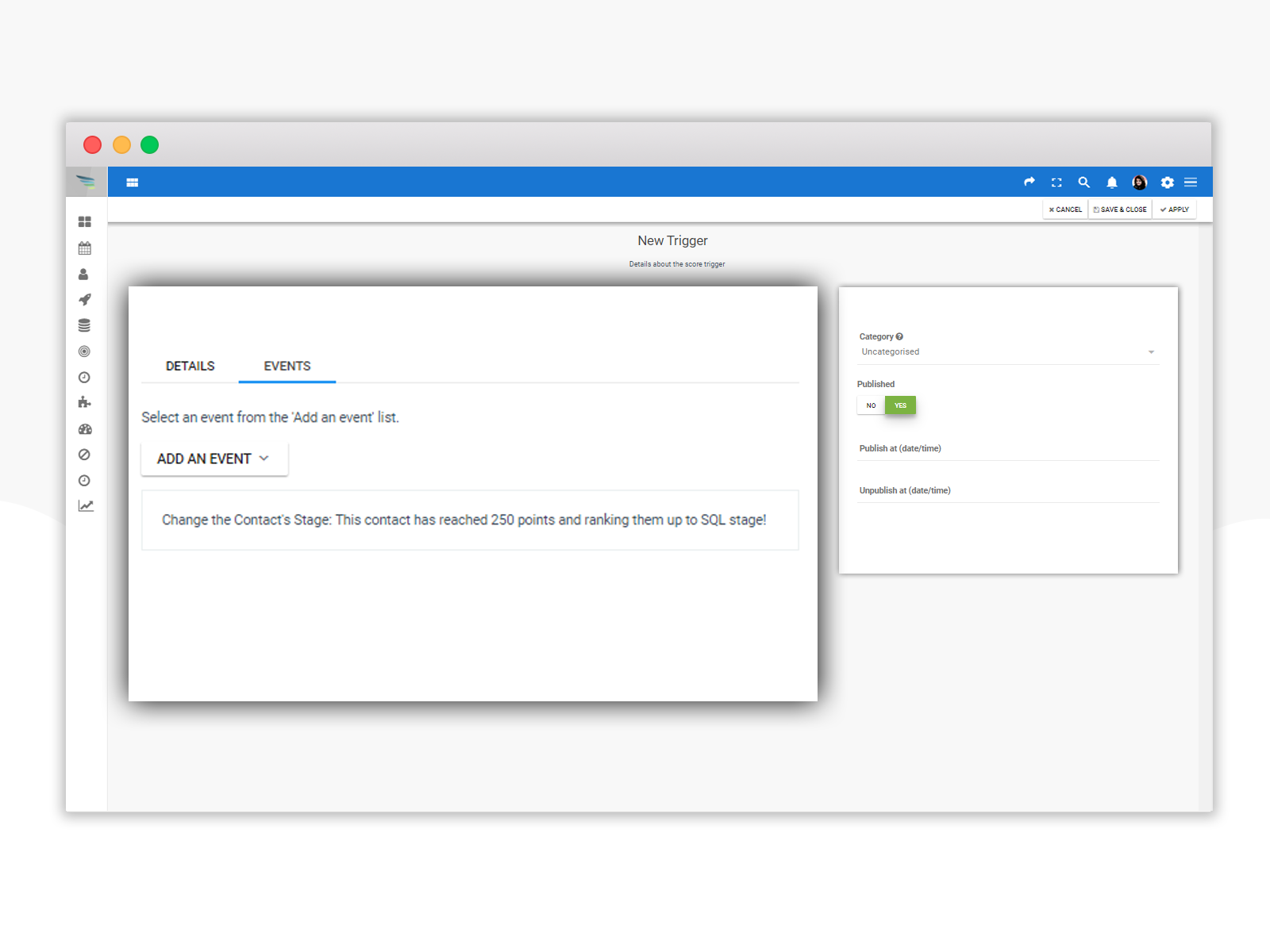
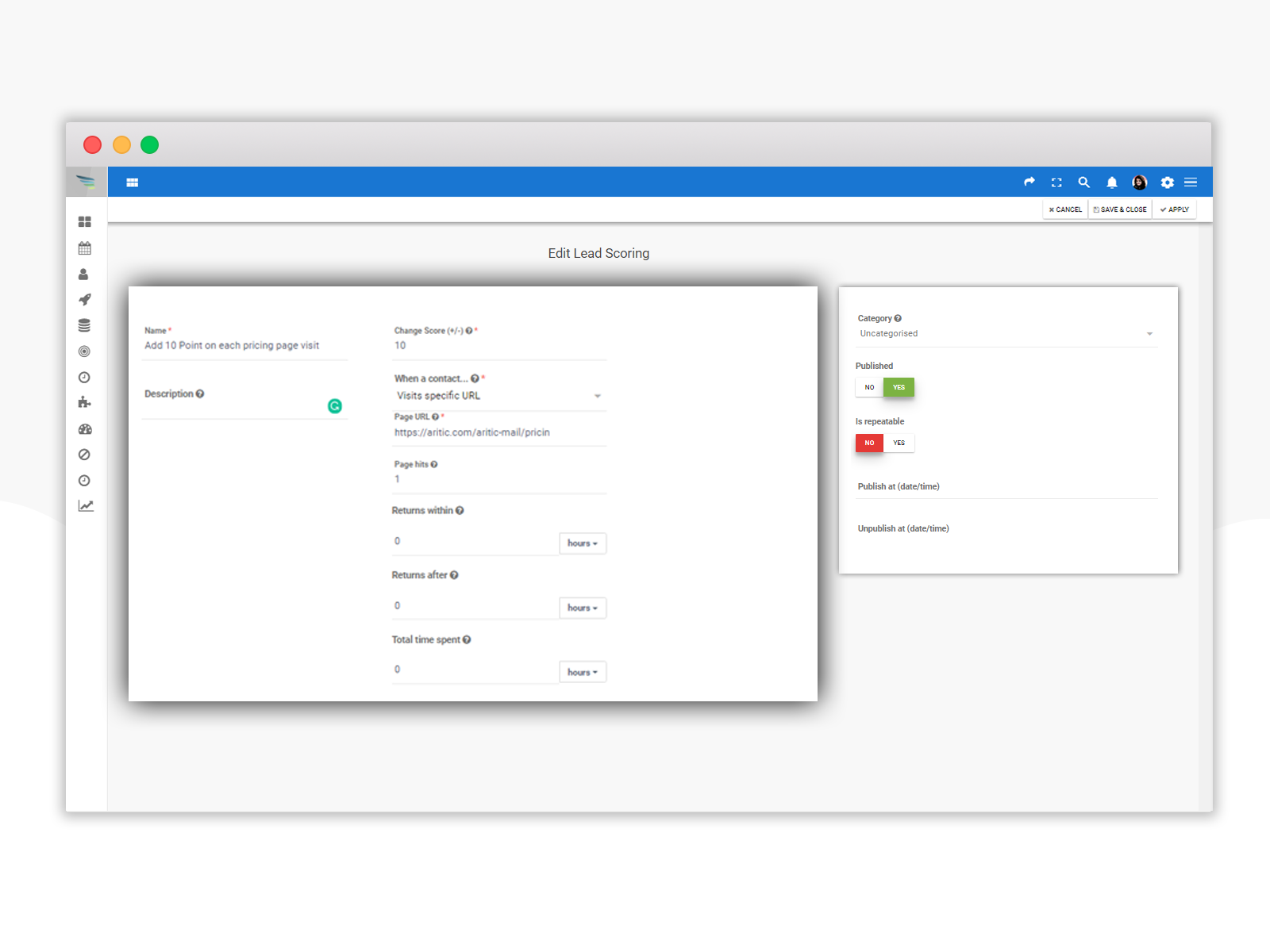
Determine what will trigger a point addition or negative scoring based on specific and customized behavioral triggers. Create more point actions to determine proper scoring for each activity of your visitors, leads, and customers. Map lead behavior and create actions to keep track of the lead score.
Get started with lead scoring pointers inside Aritic PinPoint
Use lead tracking code (aritic pixel code) on your website to track your leads. Each action of the lead earns them certain points adding to their lead score
Assign negative scores for actions that indicate that your visitors or leads have gone a step back in the funnel or have been unresponsive
Directly make changes in the points from the campaign list window in few clicks. Adjust contact points based on campaign engagement
Add lead score based on social media activities of your leads. Add or delete points based on lead activity
Add lead score based on number of times a lead visits a particular page or does a specific activity
Assign lead scores based on email activity like email opens, click-throughs, visiting landing page, unsubscribing, etc